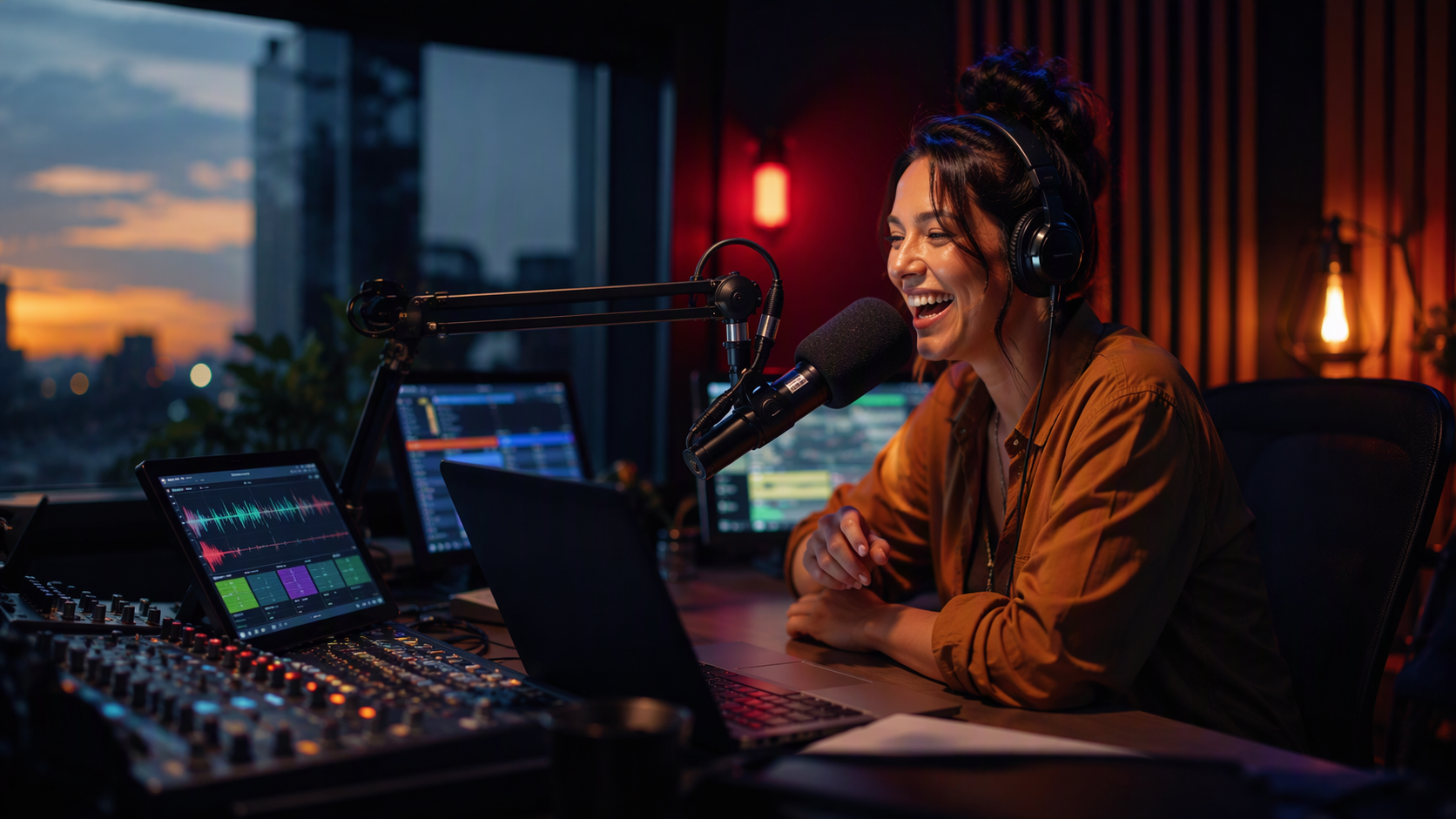
For djs, hosts and board ops
A studio that runs anywhere you can open a browser.
Cloud playout that keeps the station on air around the clock, and a live studio your DJs can run from the station, home or a hotel room. No playout PC in a closet.
ReplacesDesktop playout software and remote-broadcast add-ons
6 tools
Everything on air works in.
Cloud playout
Your log plays in the cloud around the clock, with automatic failover and hours that end on time.
Learn moreLive studio
Players, a cart wall and the log in a browser, built for touch screens, keyboards and control surfaces.
Learn moreBeatmixing
Songs mixed into each other on the beat, tempo matched, like a DJ is in the studio. One button.
Learn moreRemote shows & guests
Talkback, co-hosts and guest links, so a show can come from anywhere.
Learn moreVoice tracking
Record links straight out of the real songs, with beds, segues and guests tracking together.
Learn morePhone screener
Screen callers, line them up for the DJ and save them to your listener database.
Learn moreWhat you can stop using
Cancel the stack.
What a on air team usually pieces together, and the part of StationMonster that takes each one over.
Products stations move over from.
9 product lines whose on air work happens here, with a step-by-step guide for moving over.
Product and company names are trademarks of their owners.
Head to head
On air: no contest.
The on air jobs, plus what only one system can do, against the separate tools stations usually run.
playout & automation toolMusicA separate
music scheduler toolTrafficA separate
traffic & billing toolDigitalA separate
digital platform tool
Separate tools are scored by the kind of tool they are, not by any one product, and get the check for every job their kind is built for. Some products do more than their kind; StationMonster does all of it in one place.
End to end
Where on air meets the rest of the station.
Every department works in the same system, so work moves on without exports, emails or retyping.
Cloud playout Programming
Music scheduler
Logs you publish go straight to air, no exports.
Cloud playout Traffic
Traffic scheduling
Commercials merge into each break of the log.
Cloud playout Engineering
Monitoring & alerts
Dead air and stream problems raise an alert in seconds.
Live studio News & talk
Newsroom
The next newscast is ready in a prompter.
Beatmixing Programming
Media library
Every song's beat, key and vocals are found by themselves, on upload and in the background for the rest of the library.
Remote shows & guests Engineering
Audio processing
Every co-host mic is leveled and processed for air.
Every department
One system for the whole station.
Programming
Program and music directors
Music scheduling, the library and logs, finally in one place.
7 features
Production
Production directors and imaging producers
Imaging, editing and production orders, right next to the library.
4 features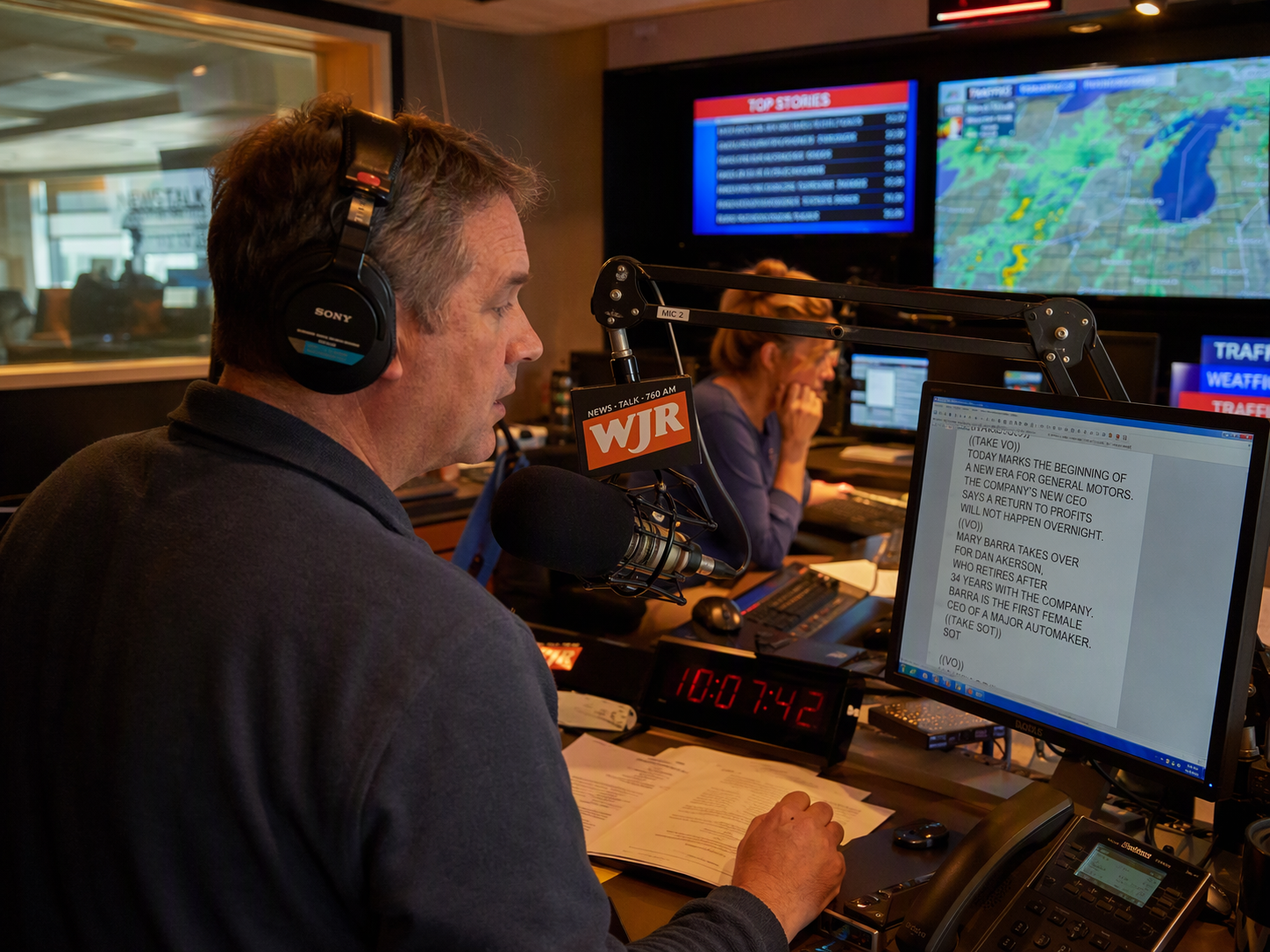
News & talk
News anchors, hosts and producers
Newscasts, show prep and weather, ready for the mic.
5 features
Sales
Sellers and sales managers
A sales desk your sellers will actually use.
5 features
Traffic
Traffic managers and coordinators
From the signed order to proof of play.
3 features
Business office
Billing, collections and payroll
Bill what aired. Get paid. Pay your people.
3 features
Promotions
Promotions and marketing
Contests, events and listeners, all on the record.
3 features
Digital
Digital and web teams
Your station, everywhere listeners are.
8 features
Engineering
Engineers and operations
Know the station is on air, and keep it that way.
5 features
Station Management
GMs, station managers and HR
Run the station day to day.
7 features
Group & Corporate
Owners, group executives and market managers
Every market and station, one company view.
5 features
Run the whole station from one place.
Create your company and first station, upload some music and you're streaming. Bring each department over when you're ready, or let us show you around first.