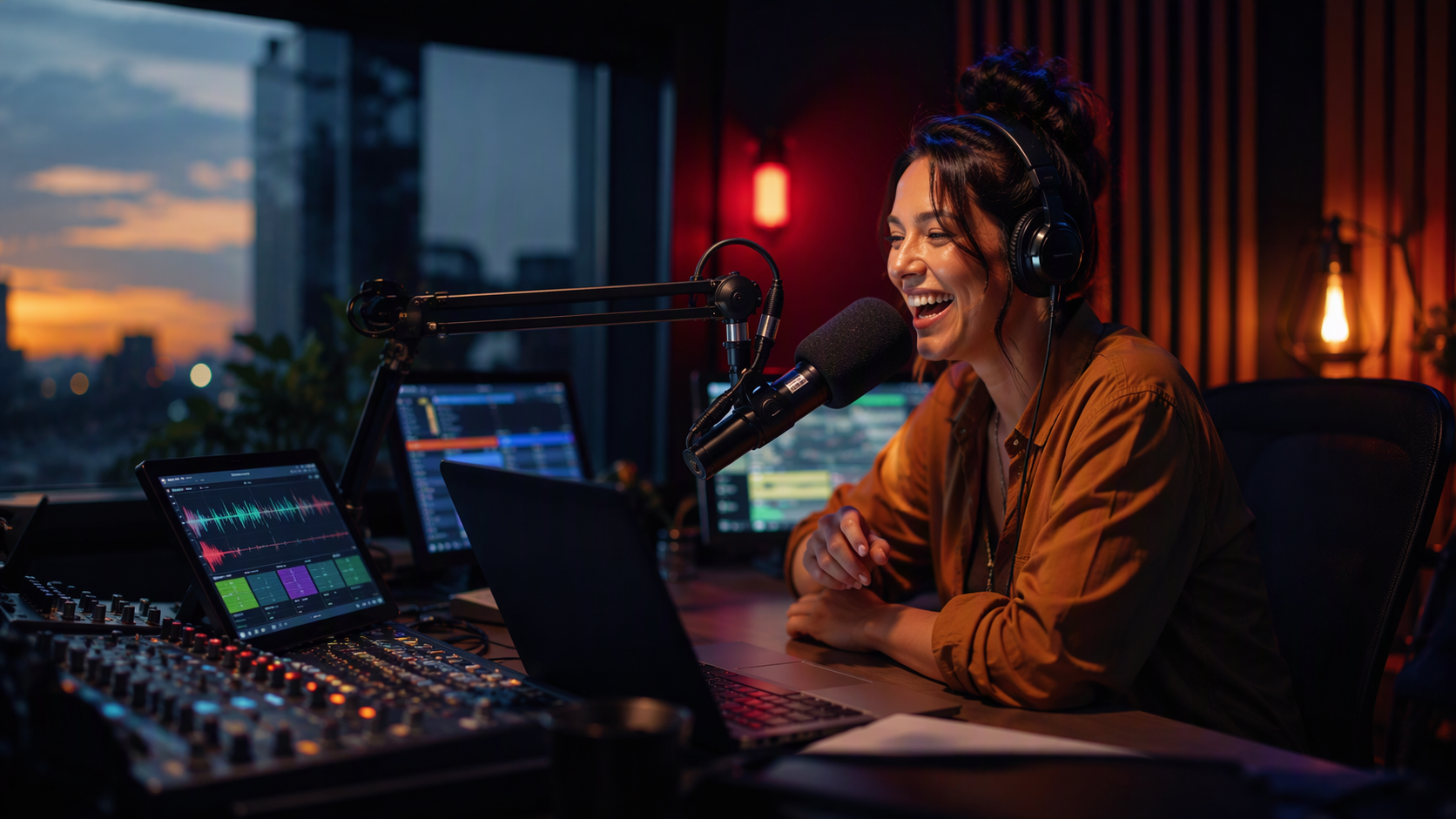
A mix show that runs itself.
Turn on Beatmix and every song is mixed into the next the way a DJ does it: beats lined up, tempos matched and each mix placed on the phrase. Turn it on for the whole station, a block of the log or the hours of one clock.
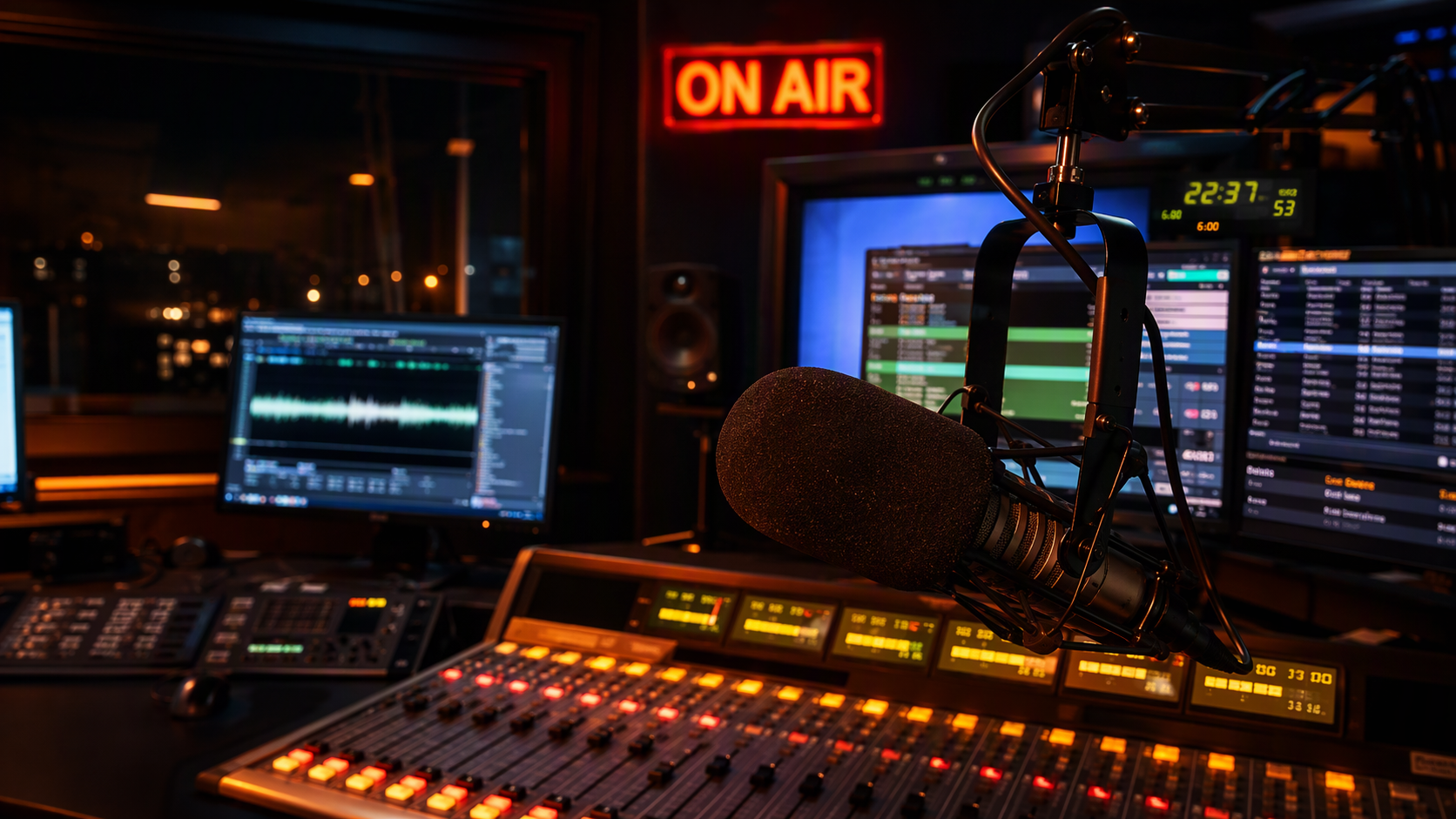
What is Beatmixing?
Beatmixing is part of StationMonster, the operating system for radio stations, in its On air tools for djs, hosts and board ops. Songs mixed into each other on the beat, tempo matched, like a DJ is in the studio. One button.
- Who it's for
- DJs, hosts and board ops
- Replaces
- Desktop playout software and remote-broadcast add-ons
- Price
- Included in every plan: $97 per internet station a month, or $197 a month with 2 terrestrial stations. First month free.
- Runs on
- Any modern web browser. Nothing to install.
What you get
Beats that line up
Each song's beat is found when it's uploaded. The next song comes in on a downbeat, sped up or slowed down up to 16% without changing its key.
Mixes picked from the music
Long blends of up to 64 beats on extended and club mixes, quick swaps for high-energy radio edits, timed so vocals don't clash and the new song's vocals land right as the old one leaves.
A bass swap on every mix
The new song comes in with its bass turned down and takes the bass over on the downbeat, so two kick drums never fight. Mids and highs are shaped the same way, so vocals and hi-hats don't clash either.
Every mix checked and fixed before it airs
The next mixes are measured from the songs' audio: beats landing together, bar one and phrases lined up, no vocals over vocals, an even level. Anything off is fixed by itself, like a DJ would: the downbeat moved, a shorter blend, or an echo out. Nobody has to touch it.
Mixed in key
Every song's musical key is found from its audio. Songs in compatible keys blend long; keys that would clash overlap briefly, with the old song filtered away so the chords never fight.
Key shifting
When two keys would clash but are a semitone from mixing, the new song is played a semitone up or down at its normal speed, so the pair mixes in key. Each station can switch it off to keep everything in its recorded key.
Reads the energy
A big lift in energy gets a short, punchy mix so the new song hits; energy coming down gets a smooth blend with the old song filtered down until it's dull and distant, the way a DJ works a room.
Drop mixes
When the energy lifts, the new song is teased in quietly under the old one, then the old song is cut and the new one hits at full volume right on the beat as its vocals arrive. High-energy runs get a mix of moves instead of the same one every time.
Any format into any format
Songs that can't be tempo matched get an echo out: the old song stops on the beat with its last beat echoing away while the new one starts, a delay throw, where that last beat repeats away in a skipping rhythm, a loop roll, where it repeats faster and faster up to the beat the new song hits on, or a brake, where the old song slows to a stop like a turntable right before the new one hits. Songs that are already mixes are mixed on the beat of their own start and end.
Hook teases and intro loops
A bar of the next song's hook can be dropped in over the end of the song on air, two bars before the mix. When the next song's intro is short, its first bar is looped under the old song and brought up, so there's still room for a real mix.
Rides the tempo
In a run of songs, each one settles a little toward the next song's tempo instead of all the way back to its own, so every mix needs less of a speed change.
Matches levels at the mix
The loudness of every song's start and end is measured on its own, so a loud intro coming out of a quiet outro is brought in at the same level and eased back to its own afterward.
Imaging in time
Jingles, sweepers and IDs between the songs start at the old song's segue point and hand over to the next song at their own. The old song fades out as the jingle starts, so imaging is never buried under a song.
Imaging on the beat
A jingle or sweeper with its own music is matched to the tempo of the song before it and starts on that song's beat, and the next song starts on the jingle's beat. The beat is found from the audio, including a music bed under a voice.
Looped outros
When a song ends too quickly for a real mix, its last bars after the singing are looped the way a DJ loops an outro, so there's a steady bed to mix over.
A real transition every time
Mixes aim for 5 to 15 seconds and never run past 30. Songs too far apart in tempo get a tempo slide: the old song's last bars are looped and moved, in key, to the new song's tempo before it mixes in on the beat. Songs with no steady beat get a smooth crossfade.
Imaging in key
With a voice track in the mix, sung jingles are checked against the songs' keys and played over the one they fit. A jingle a semitone away from fitting both is played a semitone up or down instead. If the key still clashes with both, the music dips under the jingle the way a DJ pulls the fader down.
Timed IDs stay in the mix
On a mix with a voice track, jingles and IDs with a set start time ride the mix too: when their time comes the mix is brought in early so they start on the next bar, with no hard cut.
Voice tracks over the mix
Voice tracks talk over the mix like a live DJ, never over the singing: the link waits for the old song's vocals to end, and the new song starts earlier in its intro so its vocals come in after the talk.
Next mixes too
Press Next early and the mix comes in on the next bar as a quick mix, instead of a plain cut.
Blocks in the log
BEATMIX ON and BEATMIX OFF in the log or a music clock. Songs without a steady beat simply segue as usual.
Sets planned like a DJ
The music scheduler's Beatmix flow rule keeps songs next to each other close in tempo and in keys that mix, so the set flows before it ever airs.
See every mix coming
The studio log shows how each song comes in: blend or swap, how many beats, the tempo change and both keys. The library shows every song's tempo and key.
Hear it before it airs
Click a mix in the studio log to hear exactly how it will sound, with the jingles and voice tracks on top, on your headphones or the cue output.
Browser or cloud
Mixes play the same whether the station runs from the browser studio or the cloud engine, and DJs hear them in the Studio exactly as listeners do.
Part of one system
How it works with the rest of the station.
Switch Beatmix on for a clock and its hours mix themselves, with songs picked to mix well.
See music schedulerVoice tracks talk over the mixes.
See voice trackingEvery song's beat, key and vocals are found by themselves, on upload and in the background for the rest of the library.
See media libraryMore for djs, hosts and board ops
The rest of on air
Cloud playout
Your log plays in the cloud around the clock, with automatic failover and hours that end on time.
Learn moreLive studio
Players, a cart wall and the log in a browser, built for touch screens, keyboards and control surfaces.
Learn moreRemote shows & guests
Talkback, co-hosts and guest links, so a show can come from anywhere.
Learn moreVoice tracking
Record links straight out of the real songs, with beds, segues and guests tracking together.
Learn morePhone screener
Screen callers, line them up for the DJ and save them to your listener database.
Learn more
Run the whole station from one place.
Create your company and first station, upload some music and you're streaming. Bring each department over when you're ready, or let us show you around first.