
The operating
system for radio.
Every department, end to end: the studio, programming, production, news, sales, traffic, promotions, digital, engineering and the business office. One login, one library, one log, one list of clients and listeners.

Head to head
Every job. One system. No contest.
Most stations stitch together playout, a scheduler, a traffic suite, a web platform and a drawer of spreadsheets, then spend every morning moving files between them. Here's how that stacks up.
Why stations switch
Built for how radio works now.
One system, end to end
Every department shares one library, one log, one client list and one set of listeners.
Nothing to install
Runs in the browser. No playout PCs, no servers, no VPN.
A workspace for every job
DJs, programmers, sellers, traffic, engineers and managers each get their own.
Safe by design
Job roles decide who sees what. Money and listener data stay walled off.
AI Helpers
Seven monsters that never sleep.
Every night, an AI helper for each part of the station checks the work, writes the first drafts and leaves your team a morning inbox. They do the busywork. Your people do the radio. Nothing changes until someone approves it.
Add-on from $15 per station a month with your own AI key, or $29 with the AI included.
Spinny
Keeps the logs full and the songs spinning.
Meet Spinny
Gabby
Preps your shows while you sleep.
Meet Gabby
Scoopy
Turns the overnight wire into copy for the ear.
Meet Scoopy
Chomper
Never lets a lead go cold.
Meet Chomper
Penny
Counts every spot and every cent.
Meet Penny
Buzzy
Keeps listeners talking.
Meet Buzzy
Sparky
Keeps you on the air and on the right side of the FCC.
Meet SparkyEvery department
Twelve departments. One system.
DJs see the studio. Programmers see the clocks. Sellers see their pipeline. Traffic, engineering and the GM see theirs. Each person only sees the tools their job needs, and everything they do reaches the next department on its own.
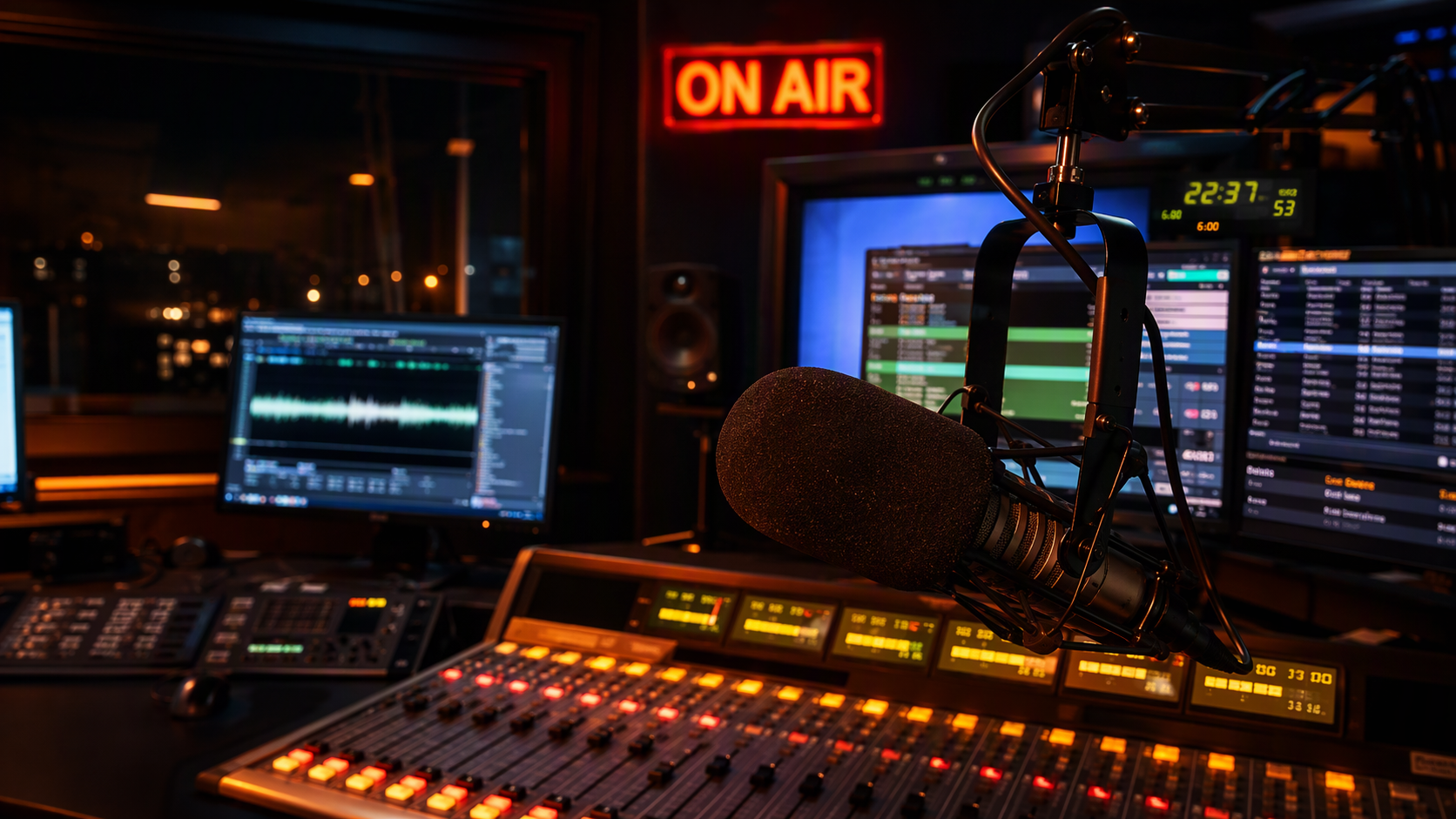
On air
DJs, hosts and board ops
A studio that runs anywhere you can open a browser.
6 features
Programming
Program and music directors
Music scheduling, the library and logs, finally in one place.
7 features
Production
Production directors and imaging producers
Imaging, editing and production orders, right next to the library.
4 features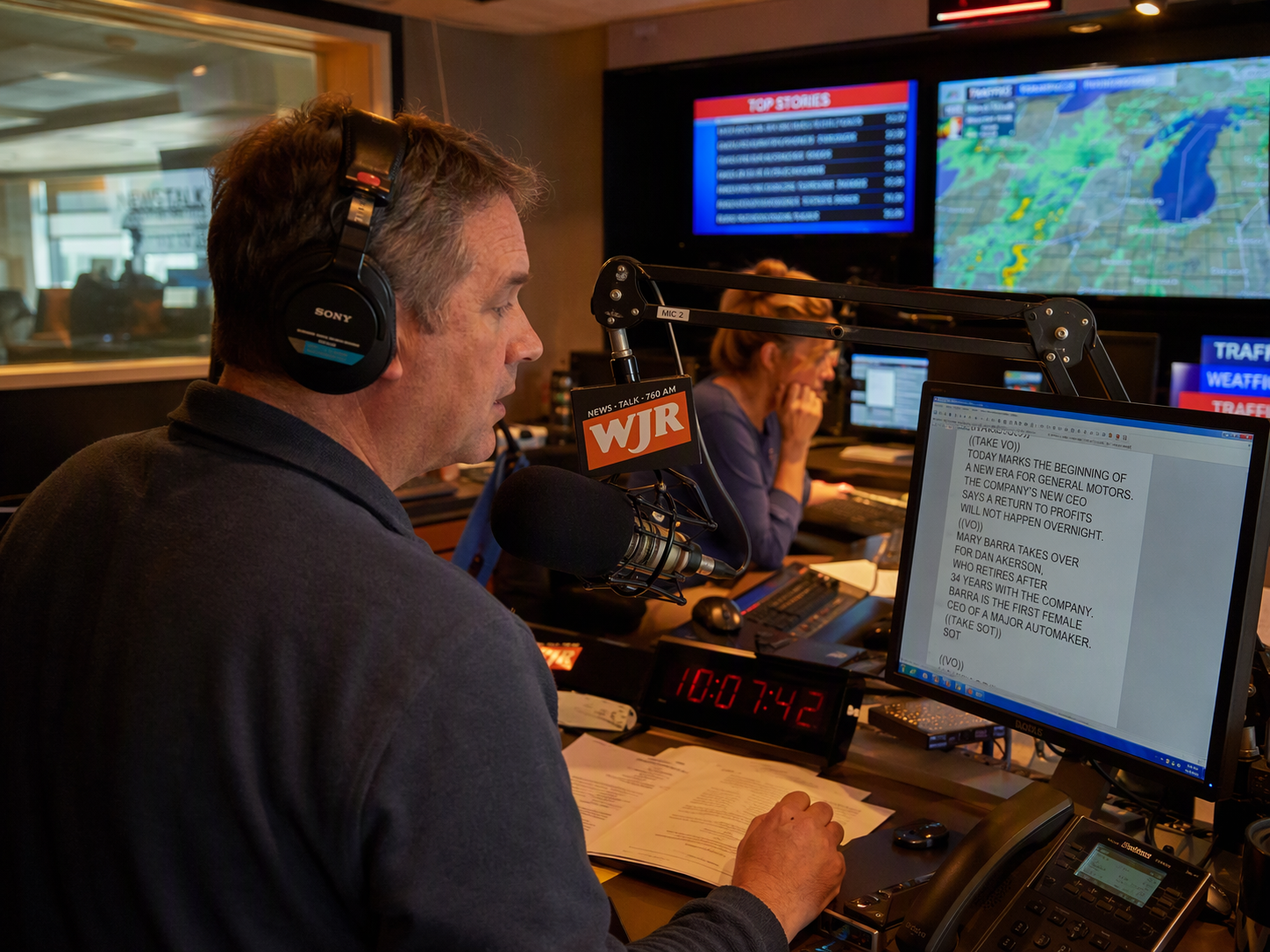
News & talk
News anchors, hosts and producers
Newscasts, show prep and weather, ready for the mic.
5 features
Sales
Sellers and sales managers
A sales desk your sellers will actually use.
5 features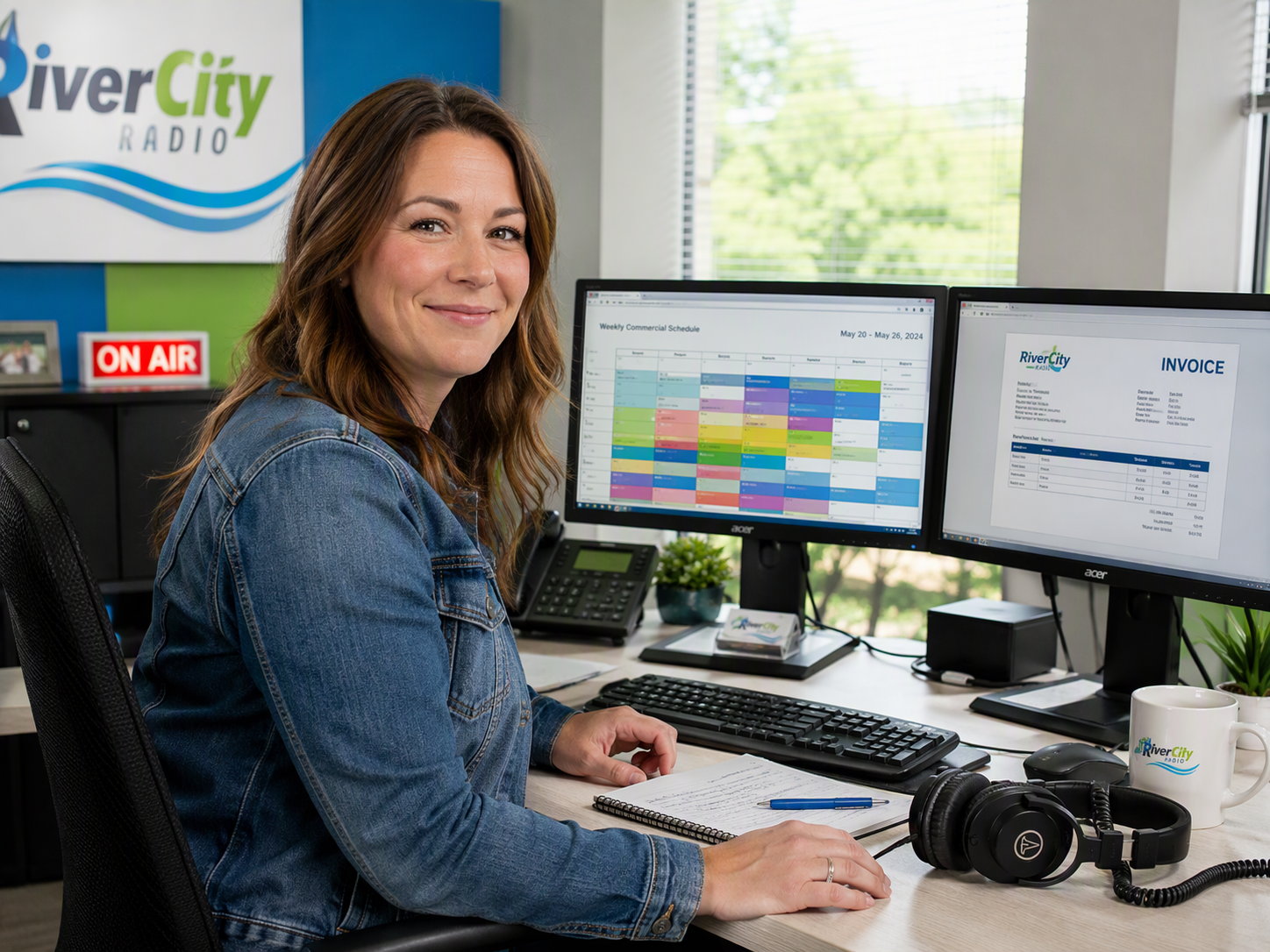
Traffic
Traffic managers and coordinators
From the signed order to proof of play.
3 features
Business office
Billing, collections and payroll
Bill what aired. Get paid. Pay your people.
3 features
Promotions
Promotions and marketing
Contests, events and listeners, all on the record.
3 features
Digital
Digital and web teams
Your station, everywhere listeners are.
8 features
Engineering
Engineers and operations
Know the station is on air, and keep it that way.
5 features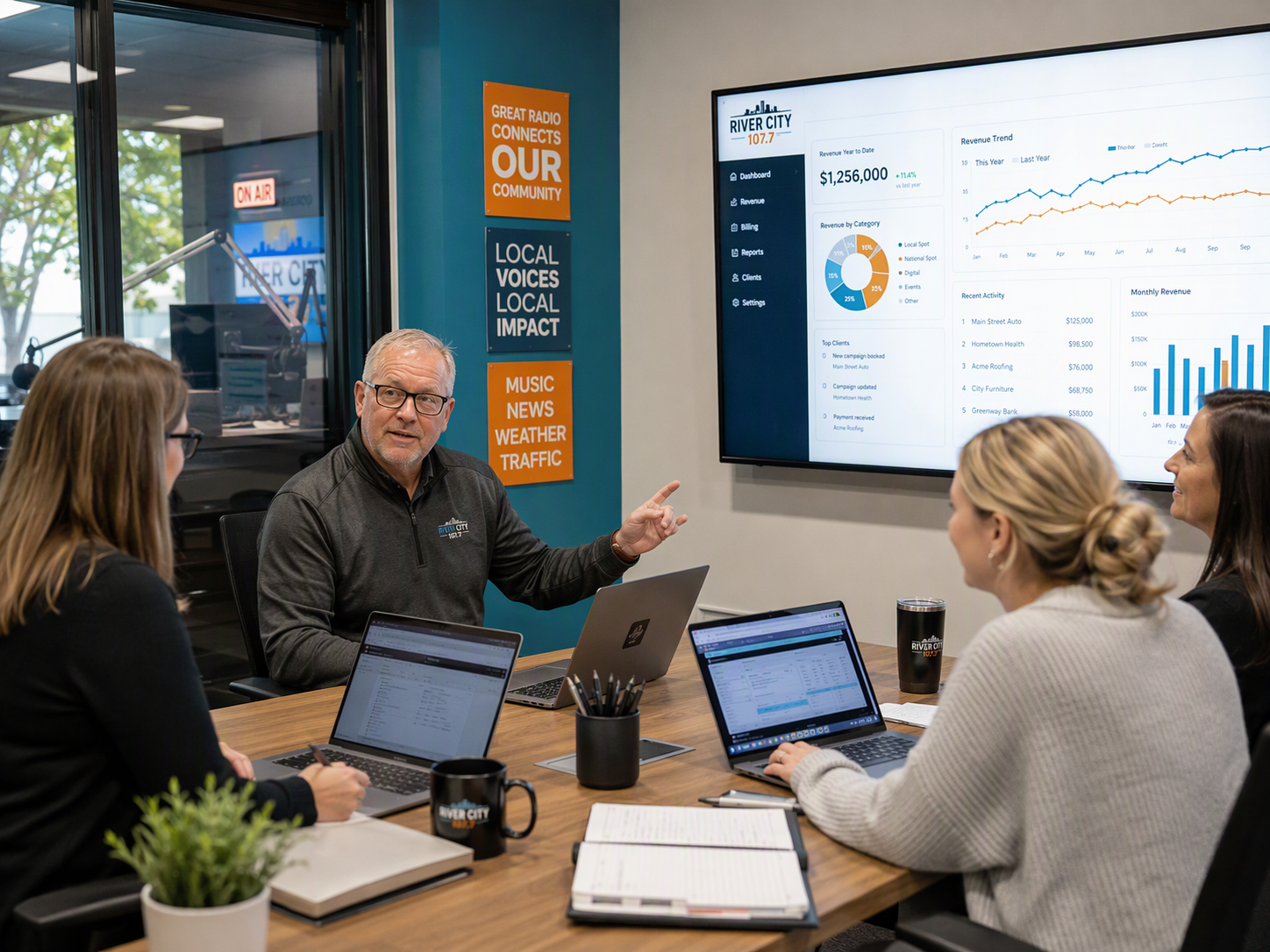
Station Management
GMs, station managers and HR
Run the station day to day.
7 features
Group & Corporate
Owners, group executives and market managers
Every market and station, one company view.
5 featuresEnd to end
Work flows from one department to the next.
One commercial, start to finish
No exports, no retyping, no “did that air?” emails.
- 01SalesSoldThe seller sends a proposal and the client signs online.
- 02ProductionProducedProduction gets the order and makes the spot.
- 03TrafficScheduledTraffic's order spreads the spot across the breaks.
- 04On airAiredThe cloud engine plays it in the log.
- 05TrafficProvenIt's matched to the as-run log automatically.
- 06Business officeBilled & paidThe invoice goes out and syncs to your books.
One song, start to finish
From the add meeting to the royalty report, in one system.
- 01ProgrammingAddedIt's reviewed with its chart run and filed in a category.
- 02ProgrammingReadyLoudness, cues and segues are set on upload.
- 03ProgrammingScheduledClocks and rules place it in the log.
- 04On airTrackedA DJ records the link out of it.
- 05DigitalHeardIt airs and streams, with listeners counted.
- 06Station ManagementReportedRoyalty exports include every play.
The software stations use today, all covered by one system.
How it works
On air first. Then everything else.
Set up your station
Create your company and first station. Streams and the cloud engine are set up for you.
Bring your audio
Drag in your library in any format and import your logs. Loudness, cues and segues are worked out on upload.
Bring each department
Go on air first, then move sales, traffic, digital and the rest over when you're ready. Invite your team with the job roles they need.
Questions
Things stations ask us.
Can't see yours? Get in touch and we'll answer.
What does “operating system for the station” actually mean?
Can we try it first?
Do I need a studio PC or server?
What happens if our internet goes down?
Can we move over from our current system?
What if you don't have a feature we need?
We only want some departments for now.
Does AI run our station?
What do AI Helpers cost?
How is the phone system billed?
Is our data private?

Run the whole station from one place.
Create your company and first station, upload some music and you're streaming. Bring each department over when you're ready, or let us show you around first.